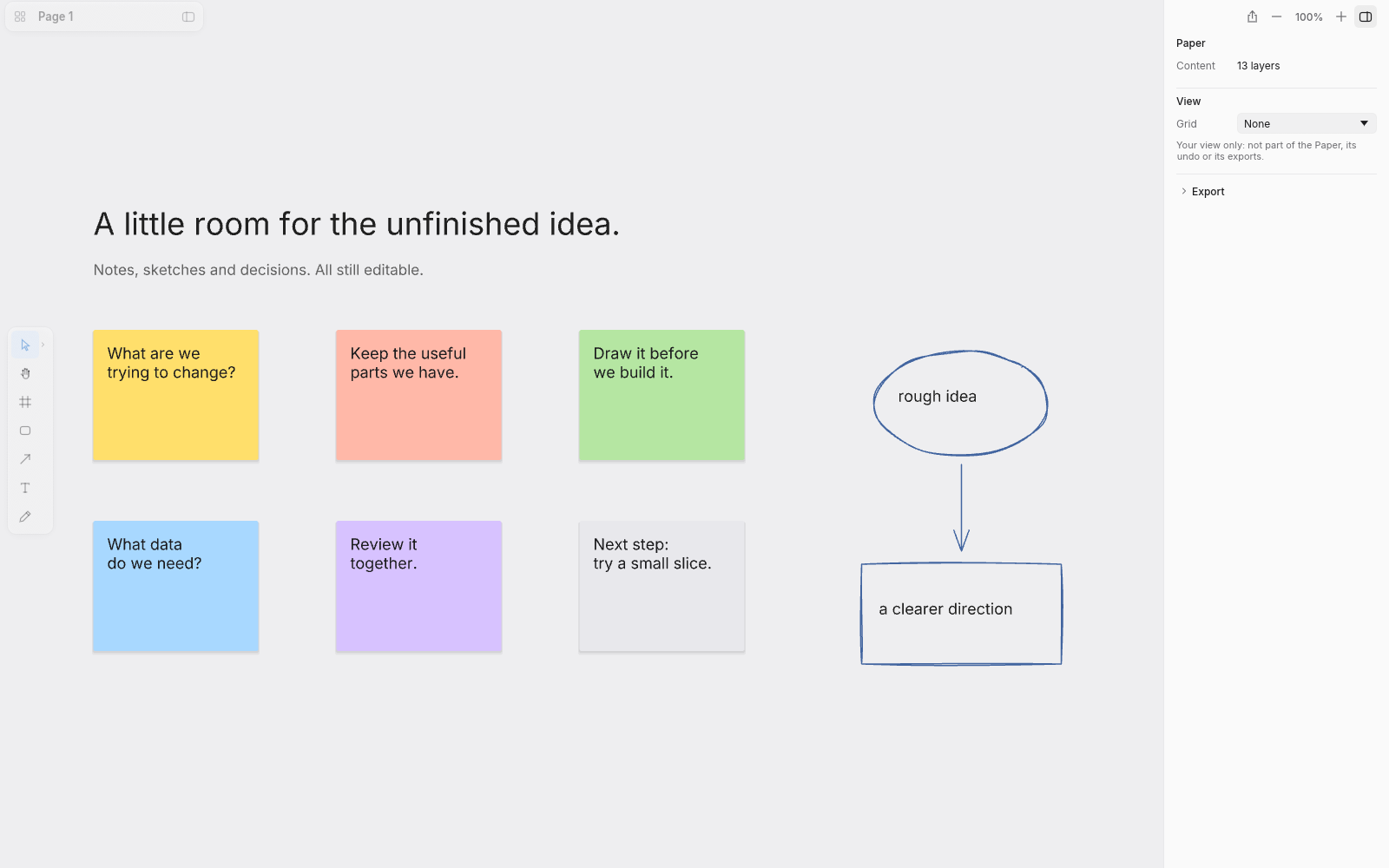
Start with the messy part.
Notes in six colours, freehand drawing and hand-drawn shapes. Get the idea down before you worry about the finish.
Map a system, design a screen, think on a whiteboard or lay out a banner. One free, open-source canvas for all of it.
No subscription. No account needed.
Checking downloads…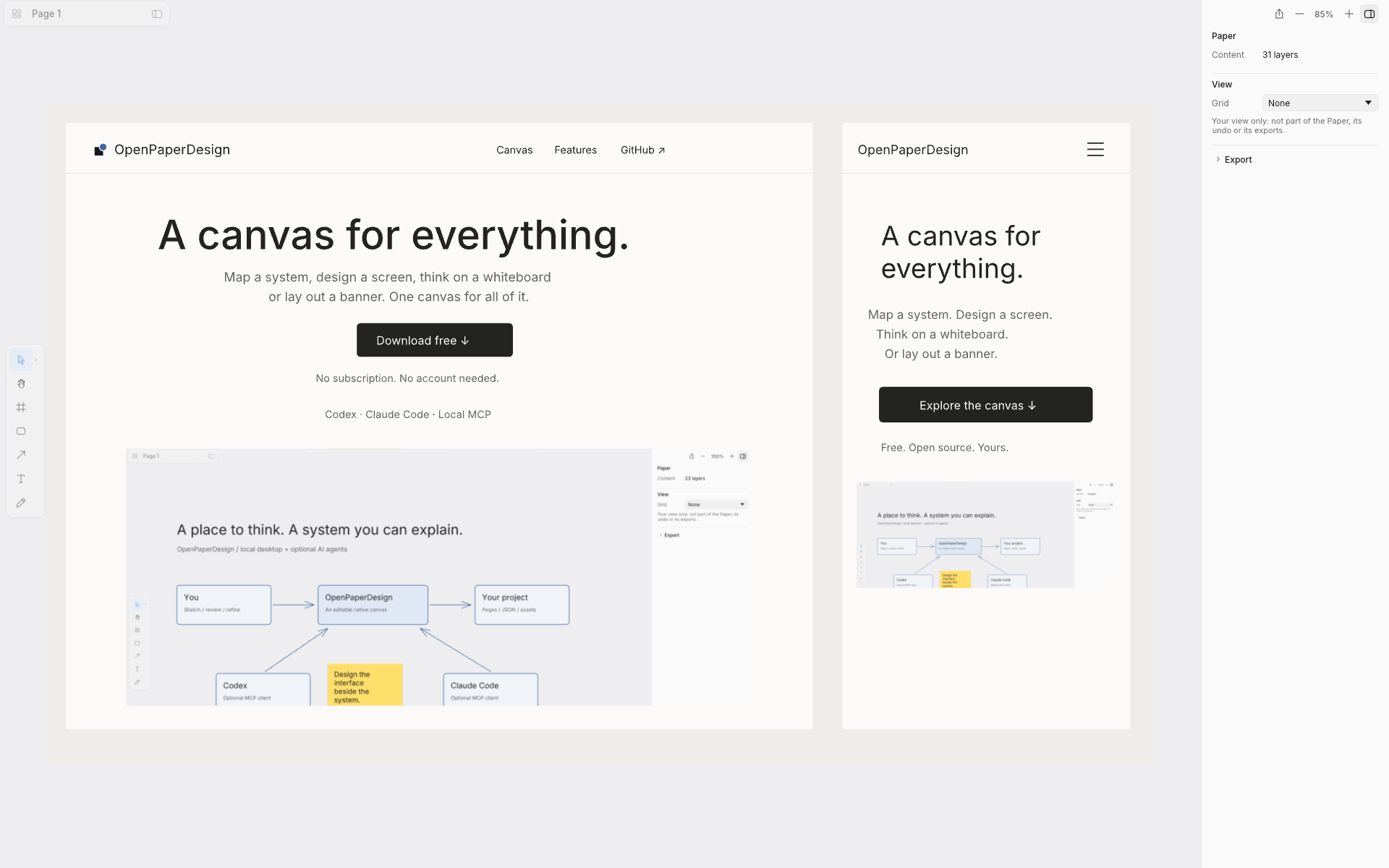
One canvas. Room to think.
Keep the sketch, the system and the screen together. Refine the same objects as the idea takes shape.
Notes in six colours, freehand drawing and hand-drawn shapes. Get the idea down before you worry about the finish.
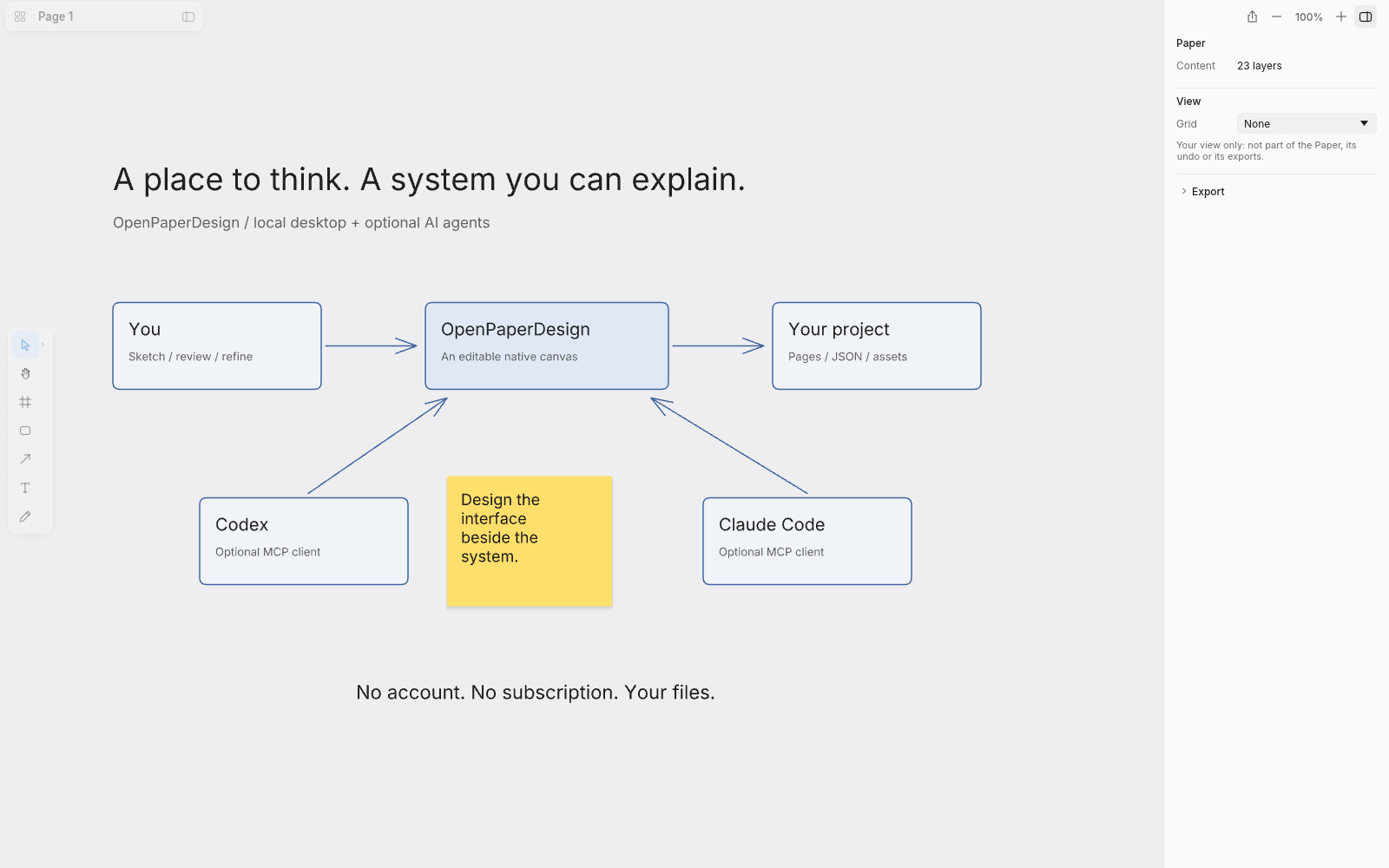
Map services, data and how the parts of a system fit together. Shapes, text and arrows stay editable as your understanding changes.
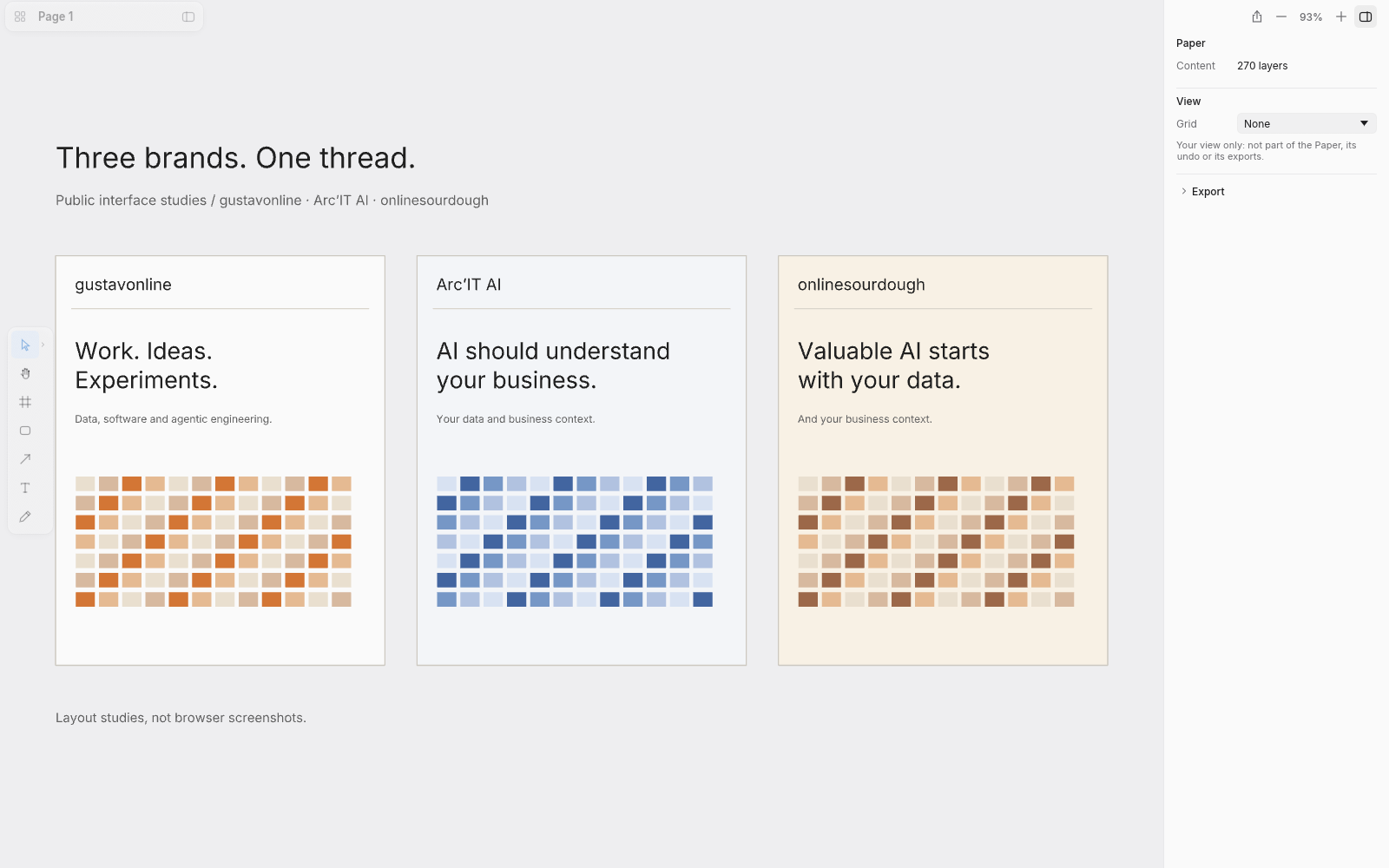
Frames, layouts, components, vector paths and image fills. Work on the interface beside the diagram that explains it.
You + your AI agent
Tell Codex or Claude Code what you want to make. Through local MCP, your agent can read and change the same canvas you edit by hand. Sketch a flow, explore a layout and refine it together.
Connect an agent ↗ Codex
Codex Claude Code
Your files stay yours
Projects are folders of JSON and assets on your computer. Export PNG, SVG or PDF, and bring in SVG and Excalidraw files.
Use the standalone app or open a canvas alongside your coding agent. Keep your projects on your computer, ready to come back to.
Why I built this
I wanted somewhere to sketch systems and design interfaces with an AI agent, without paying for another design tool.
Michael Shimeles (Rasmic) built the native canvas I could start from. OpenPaperDesign builds on his paper-rs / Sketch work, with the integrations and design workflow I use in my own projects.
Gustav Anderson · gustavonline ↗Free & open source
A desktop app for Mac, Windows and Linux. No subscription. No account needed.
The screenshots show our new UI/UX development build. Packaged previews are being qualified. Check release notes before installing.